CENSOR·THIS

Hide what
shouldn't be seen.
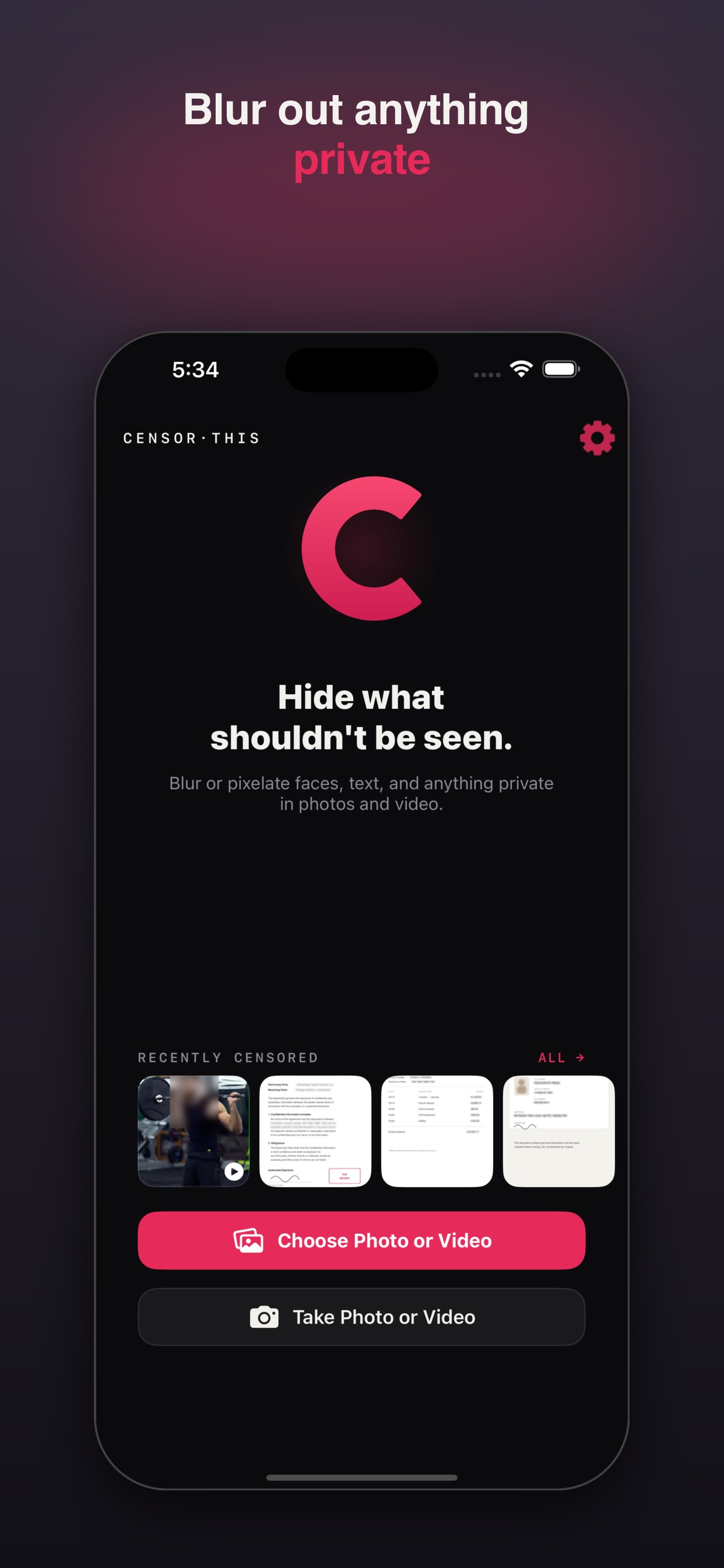
Blur or pixelate faces, text, and anything private in your photos and videos before you share them.
psst — tap the blur
iPhone · iPad · Apple Vision
CENSOR·THIS
Blur or pixelate faces, text, and anything private in your photos and videos before you share them.
psst — tap the blur
iPhone · iPad · Apple Vision
What it does
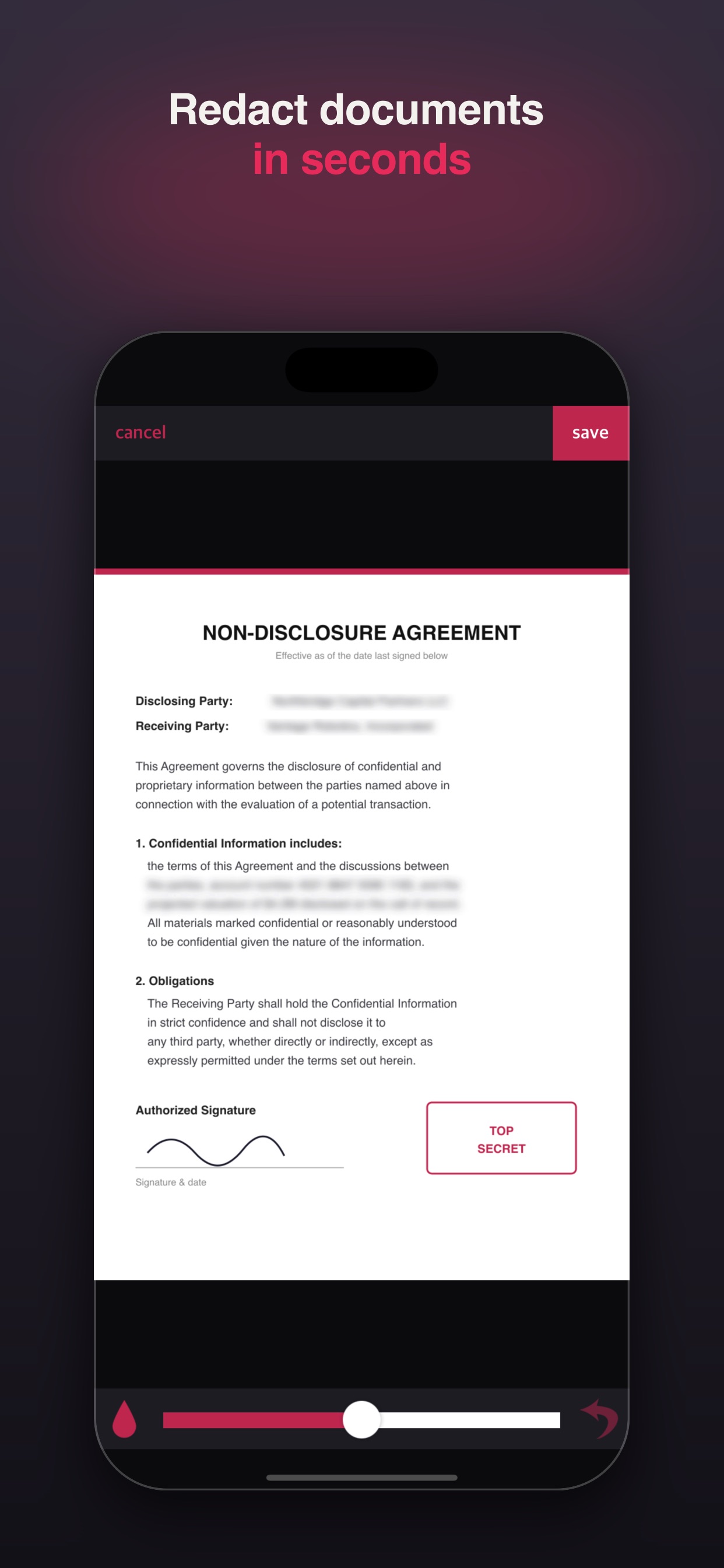
Scrub over any area with your finger — perfect for screenshots, documents, IDs, and faces. Zoom in for precision.
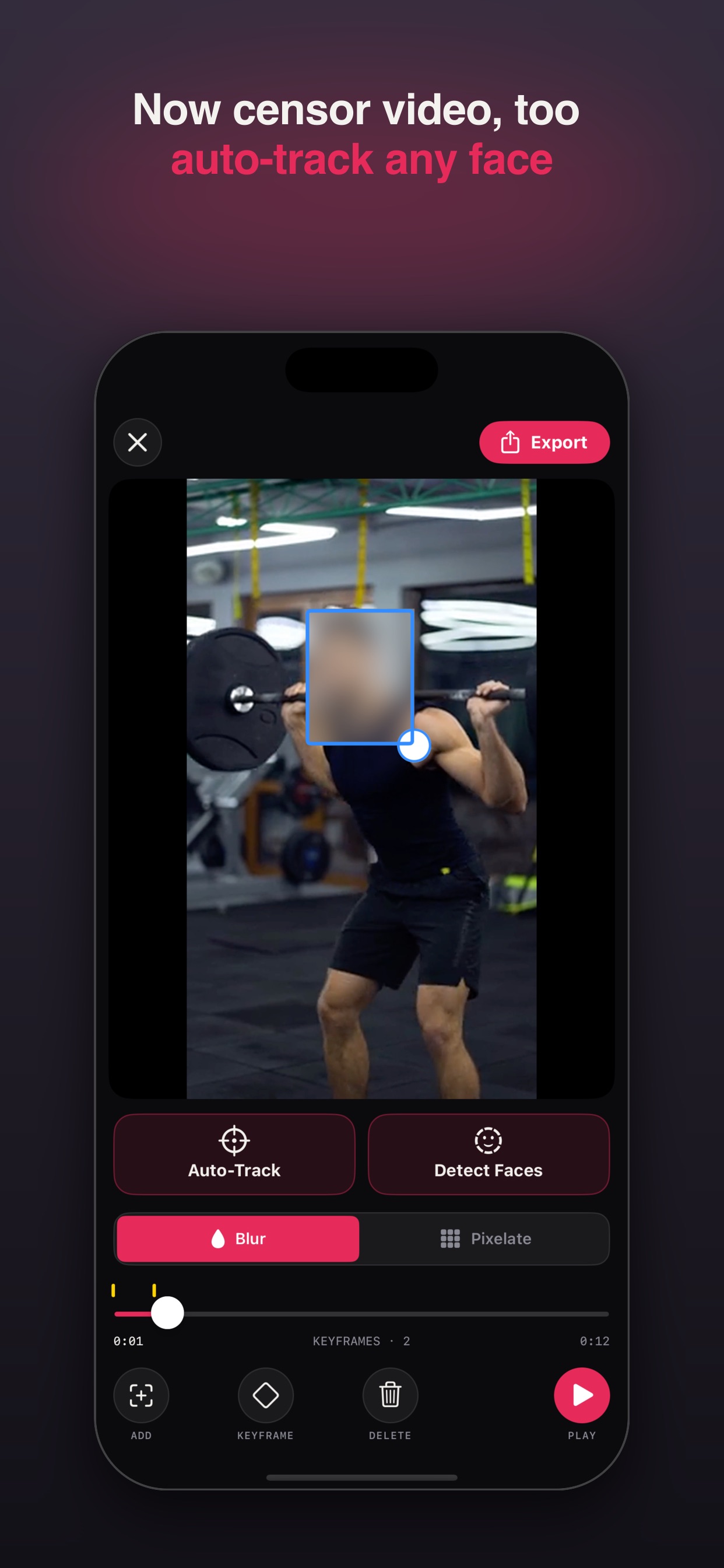
Draw a box over what you want hidden and blur or pixelate it — right in the video.
The censor box follows a moving subject automatically as they move through the frame.
Blur everyone in the frame with a single tap, then fine-tune anything by hand with keyframes.
Two censoring styles with adjustable strength and brush size. Hide things exactly the way you want.
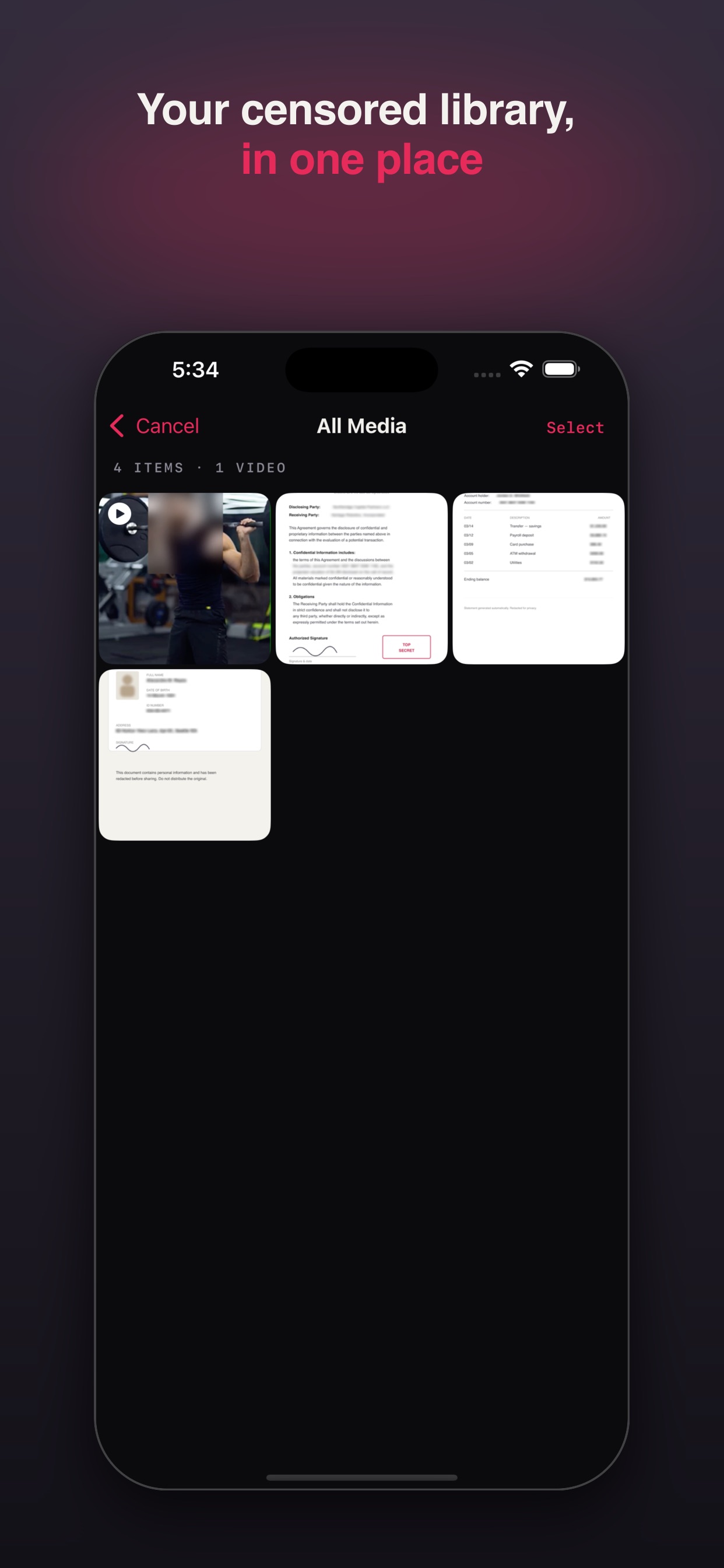
Your originals are never changed, and everything you censor is kept in a private in-app library to re-share anytime.
In action
How it works
Took a screenshot with private details — an address, an account number, a name? Censor it out. Sharing a group photo but want to protect someone's privacy? Blur their face. Posting a video? Now you can censor that, too.
Just blur or pixelate anything you don't want seen. It's that simple.
A single one-time unlock gets you everything: video export, watermark-free photos, and no ads. Forever.