MASSTONE
Give Masstone the color you're after and it tells you which tubes to reach for, and how much of each — from the paints you already own.
Target
#2F446F
psst — tap the recipe to mix another
iPhone · iPad · Mac · Android · Windows
What you get
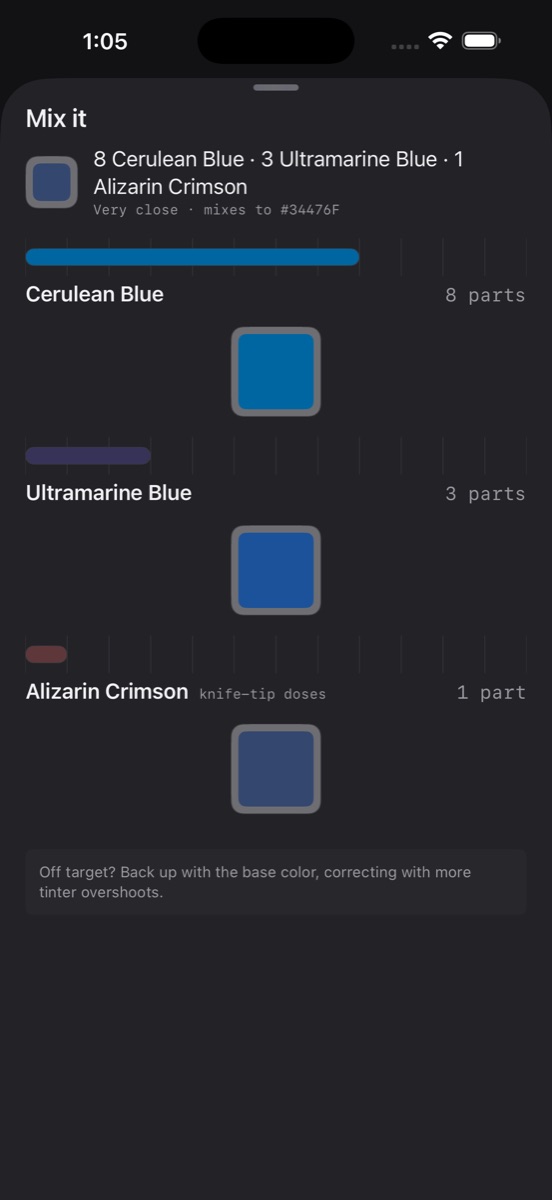
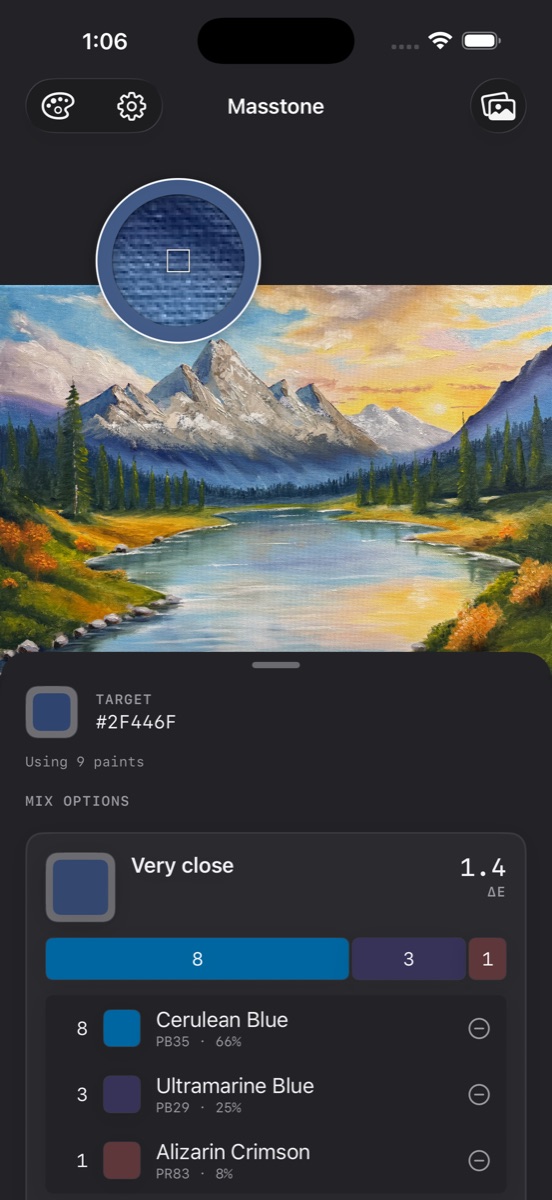
The mix comes out in whole parts you can measure with a knife — 2 parts Titanium White, 1 part Ultramarine Blue, 1 part Alizarin Crimson.
Mixing instructions that show the pile's color at each stage, so you know if you're on track.
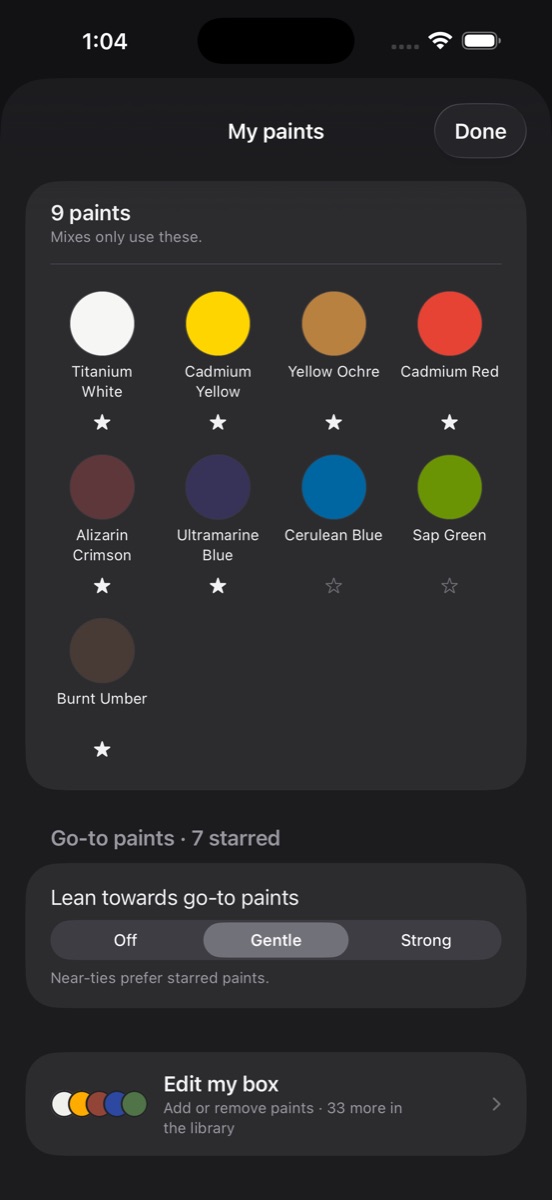
Set which tubes you own and recipes are searched only from those. Star your go-to paints and the search leans toward them. Set one aside to ask "what would this look like without the Cadmium?"
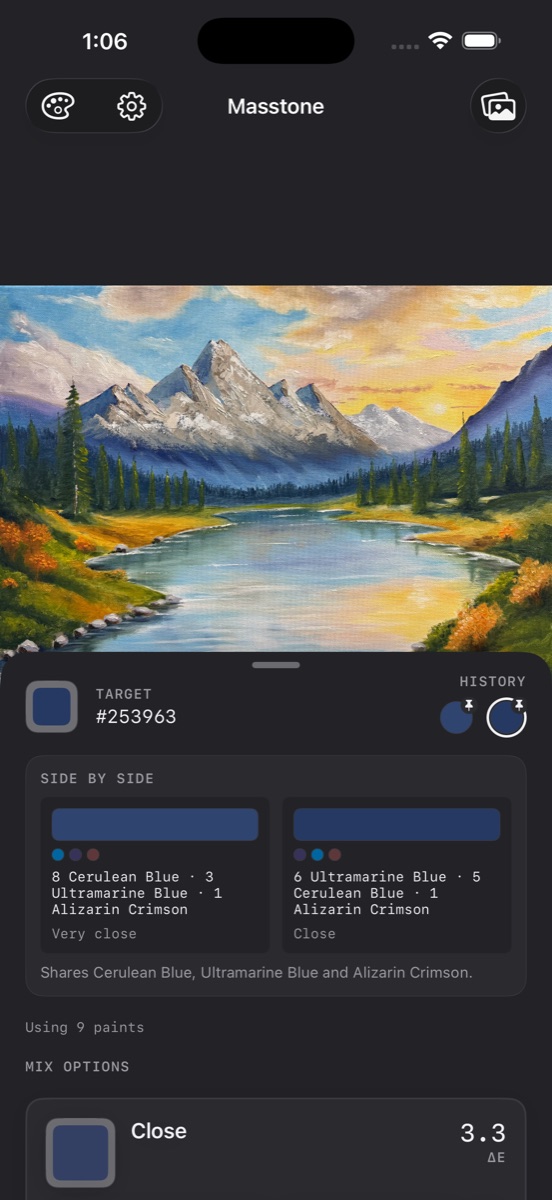
Sometimes a two-paint mix beats a fussier three-paint one. You get the options and pick the one you like.
A heads-up when a strong tinter is about to run away with the mix, before it does.
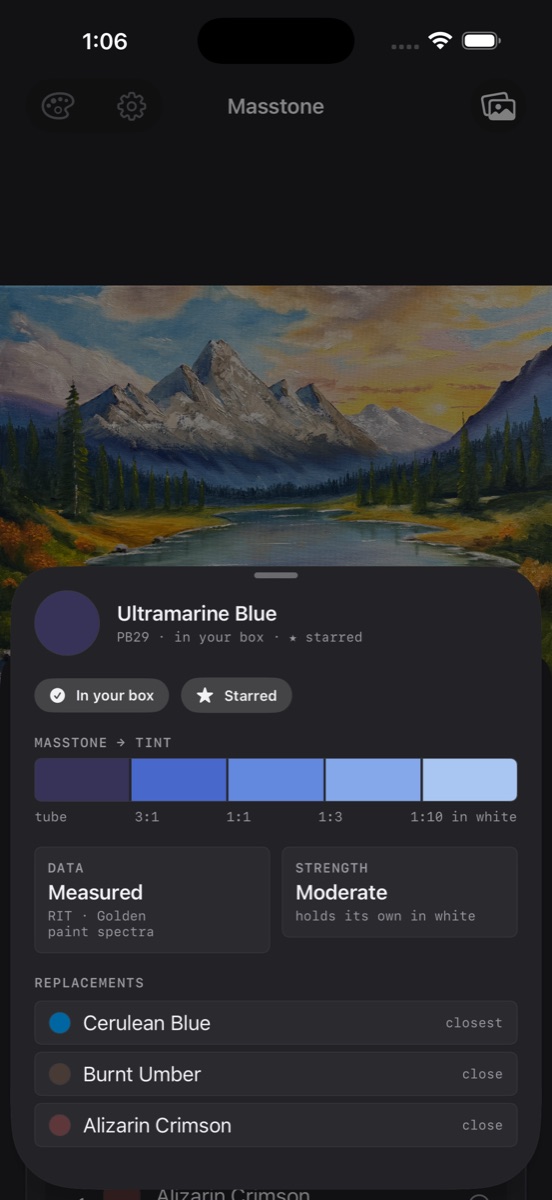
Tinting strength, color index, and what to substitute if you don't have it.
The one rule
Screen color is additive; paint is subtractive. Blend blue and yellow as pixels and you get grey. Masstone never averages RGB — every mix runs through spectral reflectance curves, so blue and yellow make green, the way they do on your palette.
green, not grey
In the app
How it works
Start with the color you're after. Pick it out of a reference photograph, choose it from a wheel, or type in a hex value. Masstone gives you a recipe you can act on, using only the paints in your box.
Save the colors you'll need as you go, then plan your session: Masstone lists every tube to put out, with the recipe for each saved color. Your last few picks stay in a sample history.
Painting in acrylic? Acrylic mode shows both the dry color, which is what has to match, and the wet color, which is what should be on your palette.
Popular recipes
Lighting, camera white balance and your own brand of paint all change the outcome. What matters is which pigments to reach for, and roughly in what proportion.
Made by an oil painter who kept mixing mud